E-invoicingEvery plan
E-invoices ready to go, without changing the way you sell
Quote, order, deposit, invoice and credit note follow on from one another. Each invoice is numbered, locked on issue and produced in Factur‑X format, then sent through Super PDP, an accredited platform (plateforme agréée) connected to JewellERP, or through your own accredited platform account.
In thirty seconds
- Factur‑X format A readable PDF and its structured data in the European EN 16931 format, in the same file.
- Locked on issue An issued invoice is locked and numbered with no gaps. To correct it, you issue a credit note.
- The jeweller’s VAT schemes Standard scheme, margin-scheme VAT for second-hand goods, investment gold, exempt transactions.
What you gain
What your invoicing gains from it
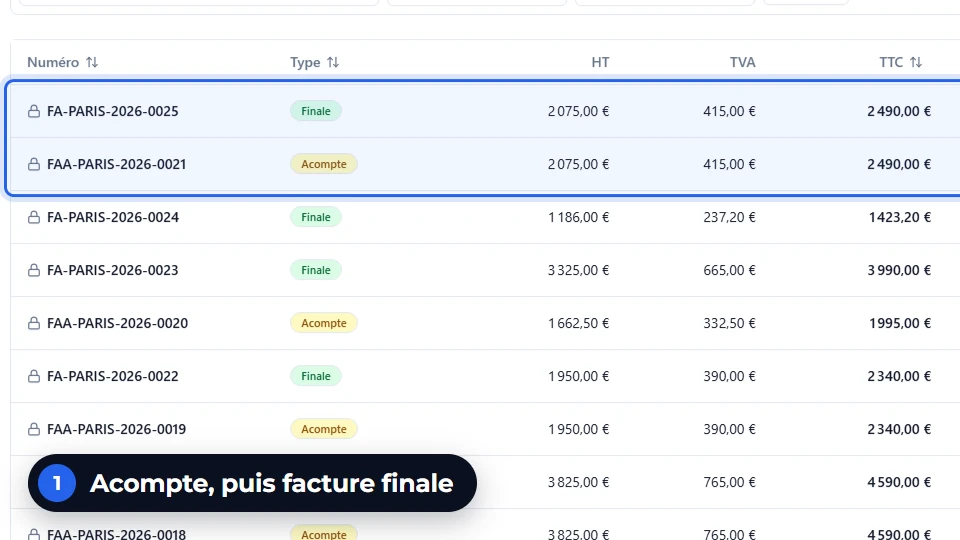
Deposits, then the final invoice
A made-to-measure order gets its deposit invoices, then its final invoice.
The cash payment limit, monitored
A cash payment above the limit is refused when it is entered.
Reminders that go out by themselves
Two levels of reminder and a formal notice, by email, on your templates.
The FEC for your accountant
Sales entries are exported in the format of the FEC (the French audit file).
Step by step
From quote to payment
The quote
Lines by metal, fineness and weight, the VAT scheme of each item.
The order
The accepted quote becomes an order; a deposit can be invoiced.
The delivery
The delivery note goes with the piece handed over or shipped.
The invoice
Numbered per shop, locked on issue, produced in Factur‑X format.
Transmission and payment
The invoice goes to your accredited platform; payments and reminders follow.
On screen
What you read on this screen
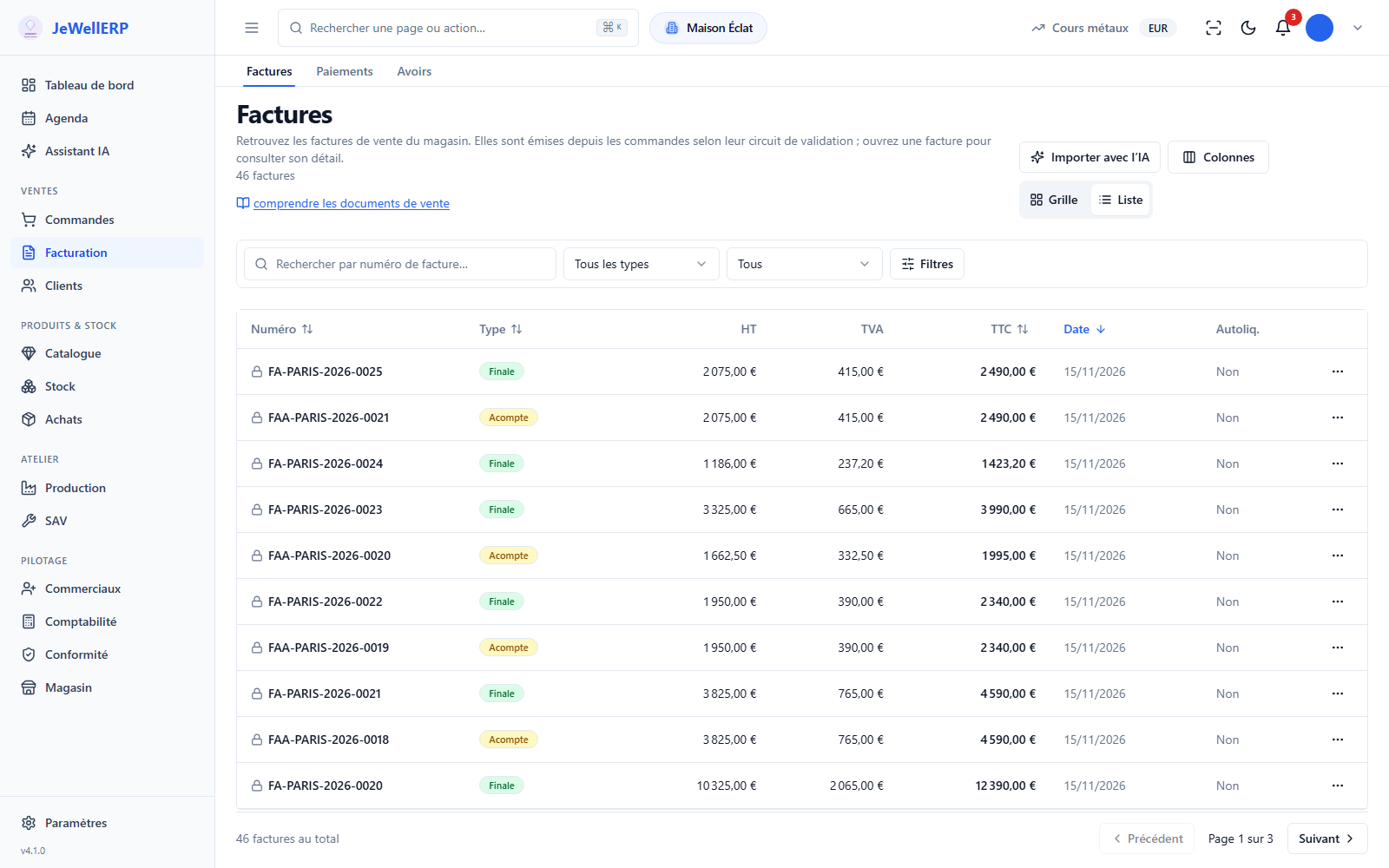
The invoices of the demonstration shop, shown as a list.
On this screen
In detail
Invoicing in detail
- A PDF in the PDF/A-3 archiving format, readable by your customer.
- The invoice data in the European EN 16931 format, attached to the PDF, readable by software.
- The file goes to the accredited platform you have chosen.
- Standard scheme for new goods.
- Margin-scheme VAT for second-hand jewellery.
- Investment gold and exempt transactions.
- One sequence per shop and per document type: invoices, deposits, credit notes.
- An issued invoice can no longer be edited. The credit note corrects it, keeping the link to the original invoice.
- Several payments per invoice, balance due visible on the order.
- Cash payment limit checked when the payment is entered.
- First- and second-level reminders, then a formal notice.
Scope
What JewellERP does, and what it does not do
What it does
- Produces your invoices and credit notes in Factur‑X format.
- Locks each invoice when it is issued.
- Applies margin-scheme VAT and the investment gold scheme.
- Exports the sales FEC for your accountant.
What it does not do
- It is not till (POS) software: it does not print till receipts and works alongside your own.
- It does not read your suppliers’ e-invoices: they arrive on your accredited platform.
- It does not keep your general accounts: no general ledger or balance sheet.
Questions
Your questions
It is a PDF that also contains the invoice data in a form software can read. Your customer reads it like an ordinary invoice; platforms and accounting software read the data.
No, and that is deliberate: an issued invoice is locked. You issue a credit note, linked to the original invoice, then a new invoice if needed.
Through the sales FEC export, and through read-only access to the application if you open one for them.
Issue a Factur‑X invoice in a demo
Quote, deposit, final invoice and credit note: we run the whole circuit on a sale in the demonstration shop.
Next feature: Stock and Police Book