After-sales and repairsEvery plan
Every repair tracked, from drop-off at the counter to collection
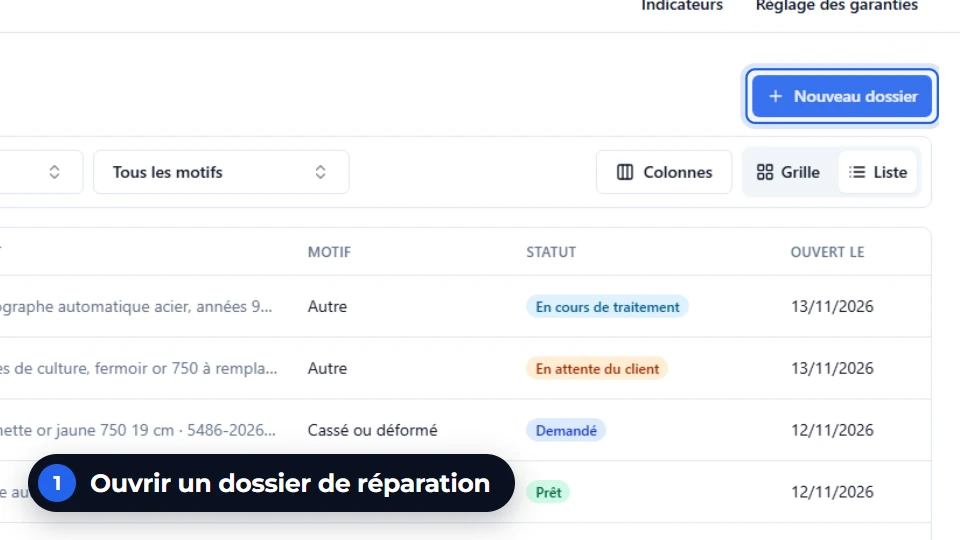
The job opens from the piece sold, its serial number or the item left with you. Photos, quote, workshop repair, warranty and invoice follow on in the same job, and the customer is notified by email.
In thirty seconds
- One job, ten states From request to return, each repair knows where it stands.
- Quote accepted, workshop started The accepted quote creates the repair order in the workshop.
- Warranty known at the counter Statutory, commercial or extended, with its end date. Under warranty, no quote and no invoice.
What you gain
What the counter gains
No more repair notebook and sticky notes on the envelope: the answer to “Where is my ring?” takes a single click.
Photos at every moment
At drop-off, at diagnosis, before and after the repair. In a dispute, the drop-off photo has the answer.
Customer-supplied metal has its register
Gold brought in by the customer: incorporated, returned, lost or corrected, every movement is noted.
The customer notified without a call
One email per step of the job, which you switch on when you decide to.
After-sales under control
Lead times, reworks, costs, amounts invoiced and refunded: the service’s indicators.
Step by step
A repair, from end to end
Example: a ring with a loose stone, sold eight months ago.
The intake
The job opens from the sale or the serial number. Reason and photos at drop-off, drop-off slip handed to the customer.
The diagnosis and the quote
The pre-estimate becomes a quote. Under warranty, this step costs the customer nothing.
The workshop repair
The accepted quote creates the repair order, with its steps and its quality control.
Ready, customer notified
The job moves to “Ready” and the matching email goes out, if it is switched on.
The collection
When the piece comes back, the accepted quote is invoiced. A refused quote can give rise to diagnostic fees.
On screen
What you read on this screen
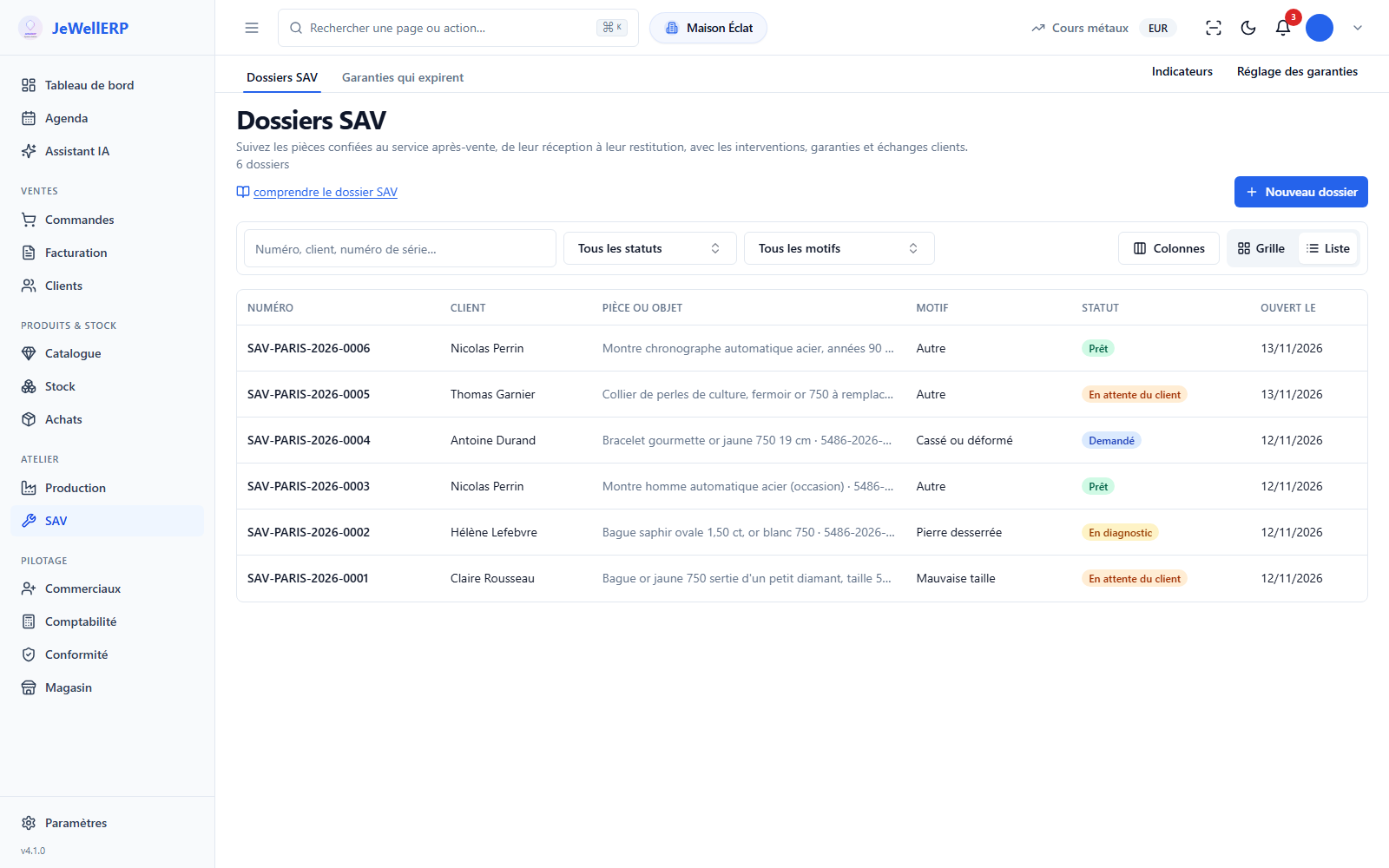
The list of repair jobs of the demonstration shop.
On this screen
In detail
After-sales in detail
The states, the possible outcomes and what the software remembers.
- Requested, accepted or refused, received.
- In diagnosis, waiting for the customer, being handled.
- Ready, returned, or cancelled.
- Repair, replacement, refund by credit note, exchange, or no action.
- The credit note and the exchange are created from the job, with no re-keying.
- Three types: statutory, commercial and extended, each with its end date.
- A PDF warranty certificate, on your template.
- The list of warranties about to expire, to follow up with your customers in time.
- Every movement of customer-supplied metal is recorded: incorporated, returned, loss, correction.
- This register is linked to the Police Book (Livre de Police) module, the register of precious-metal and second-hand purchases and sales.
- Drop-off slip handed to the customer at intake, with the description of the piece.
- Quote, repair invoice or credit note, numbered like your other documents.
- PDF warranty certificate, in your branding.
- Each document follows its template, editable in the template editor.
- From the serial number of a piece sold: the original sale and its warranty are found.
- From an order line, for a piece without a number.
- From an item left with you, brought in by a customer who did not buy it from you.
- Lead times per job, urgent or standard, and number of reworks.
- Internal, workshop and external costs, amounts invoiced and refunded, cost of warranty.
- A job set to “Ready” appears in the calendar as ready for collection; one click opens the job.
- A subcontractor’s expected return and a quote follow-up also appear there.
- You add your customer appointments there, in day, week, month or list view.
Scope
What JewellERP does, and what it does not do
What it does
- Opens a job from a sale, a serial number or an item left with you.
- Turns the accepted quote into a repair order in the workshop.
- Invoices at collection, and invoices nothing under warranty.
- Tracks customer-supplied metal and warranties up to their expiry.
What it does not do
- It does not send text messages: the customer is notified by email.
- The calendar does not send the customer a reminder.
- The after-sales steps are fixed: they cannot be redrawn in the workflow editor.
- It does not choose for you between repair, exchange or credit note: the decision stays at the counter.
Questions
Your questions
Yes. The job can also be opened on an item left with you, without an original sale. The drop-off photos and the drop-off slip work the same way.
The job is returned without a repair. Depending on your setting, diagnostic fees are invoiced when the piece goes back.
A drop-off slip at intake, the quote, the invoice at collection and, where relevant, a warranty certificate. All follow your document templates.
Yes. A ready job appears on its date as ready for collection, next to your appointments. The calendar is a team aid: it does not send the customer a reminder.
Follow a complete repair in a demo
From the ring’s drop-off to its return, through the quote and the workshop: the whole journey on the real software.
Next feature: Suppliers and purchasing