Several shopsGlobal plan
Several shops, one stock that everyone reads clearly
Each shop has its own stock, thresholds, currency and permissions. Transfers between shops are requested, approved and received, and each shop keeps its own register.
In thirty seconds
- Shops as an option On the Global plan, two shops included, then as many shops as you open, each as an option.
- Approved transfers Requested, approved, in transit, then received or refused by the destination shop.
- Permissions per shop Everyone sees and acts on the shops open to them.
What you gain
What you gain
Each shop keeps its own figures; head office sees the whole picture. No one phones around for a piece any more.
Thresholds per shop
Each shop has its own thresholds and alerts: stock-out, low stock.
A currency per shop
A shop abroad works in its own currency.
Numbering per shop
Invoices and orders carry their shop’s code.
A register per shop
Each shop has its own chain in the Police Book (Livre de Police), the register of precious-metal and second-hand purchases and sales, checked separately.
Step by step
A transfer from one shop to another
Example: Lyon asks for a solitaire that Paris has in its window.
The request
The transfer is prepared as a draft, piece by piece.
The approval
An authorised person approves the transfer.
The transit
The piece is in transit: it can no longer be sold on the way.
The receipt
The destination shop receives the transfer, or refuses it.
The stock up to date
Both stocks and the piece’s history are updated.
On screen
What you read on this screen
The stock dashboard of the demonstration shop, over thirty days.
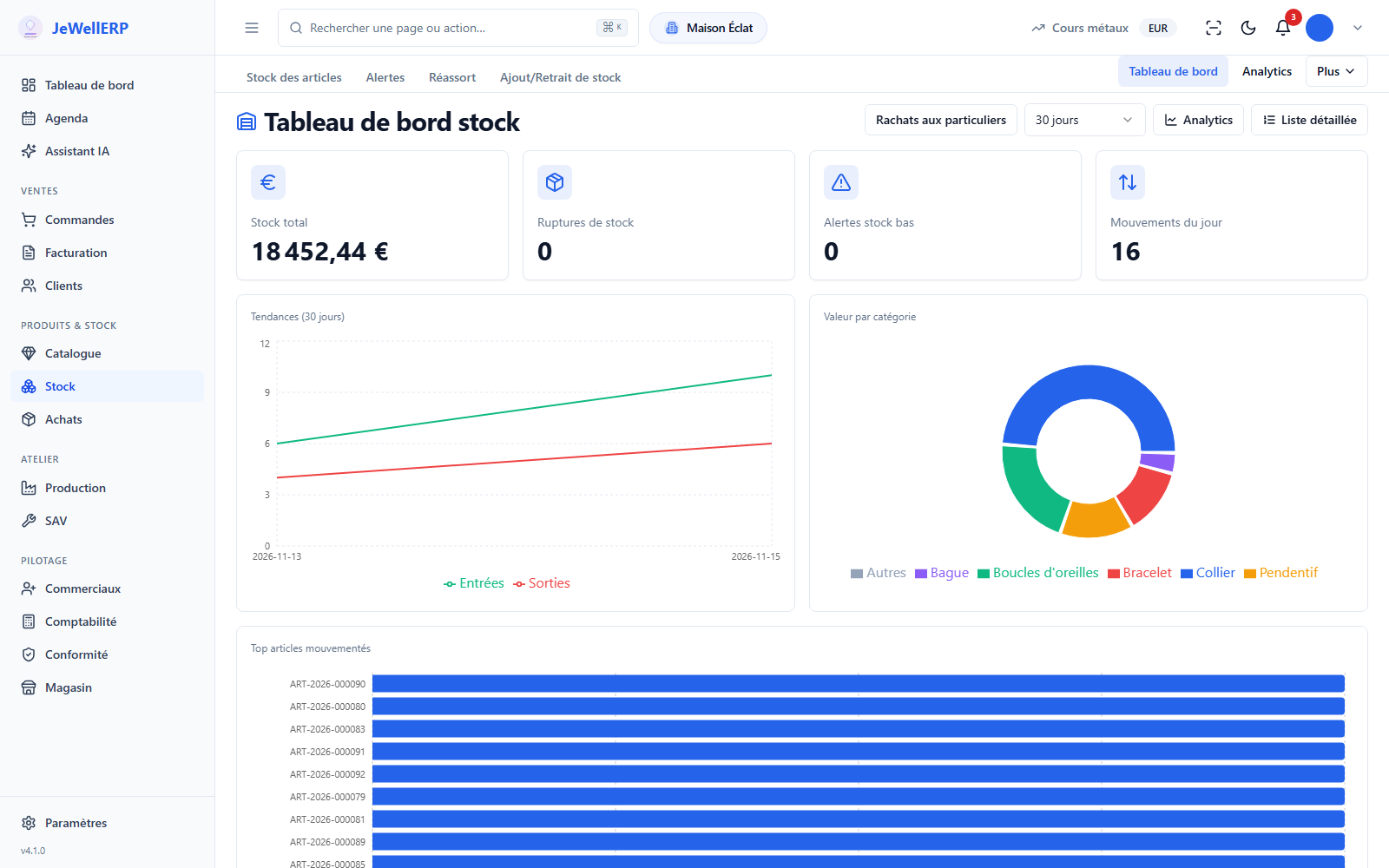
On this screen
In detail
In detail
- Draft, awaiting approval, approved, in transit.
- Received, refused by the destination, or cancelled.
- Thresholds set shop by shop.
- Six types of alert, including stock-out and low stock.
- A transfer can be seen and handled only by people authorised on the shops concerned.
- Its stock, thresholds and alerts.
- Its currency and its document numbering.
- Its Police Book chain, checked separately.
- Its workshop hourly rate, used in the cost of pieces made.
- Sales, supply and stock statistics.
- Transfers awaiting approval and those in transit.
- On the Global plan, each shop can have its WordPress website, created from JewellERP.
Scope
What JewellERP does, and what it does not do
What it does
- Keeps a stock, thresholds and a currency per shop.
- Has each transfer approved then received.
- Numbers documents per shop.
- Keeps a register per shop.
What it does not do
- No partial receipt of a transfer: it is received or refused in full.
- The Essentiel plan covers a single shop; several shops means the Global plan.
Questions
Your questions
On the Global plan, two shops are included; you add more as an option (beyond ten, on quote). Users are unlimited: the price does not depend on the number of salespeople.
Yes, if you open their permissions on both shops.
Start on the Essentiel plan. The day you open a second shop, you move to Global without changing software or migrating your data again.
See a transfer between two shops
Request, approval, transit and receipt, across two demonstration shops.
Next feature: Workshop and production